

How to Protect Your Online Accounts in 2026
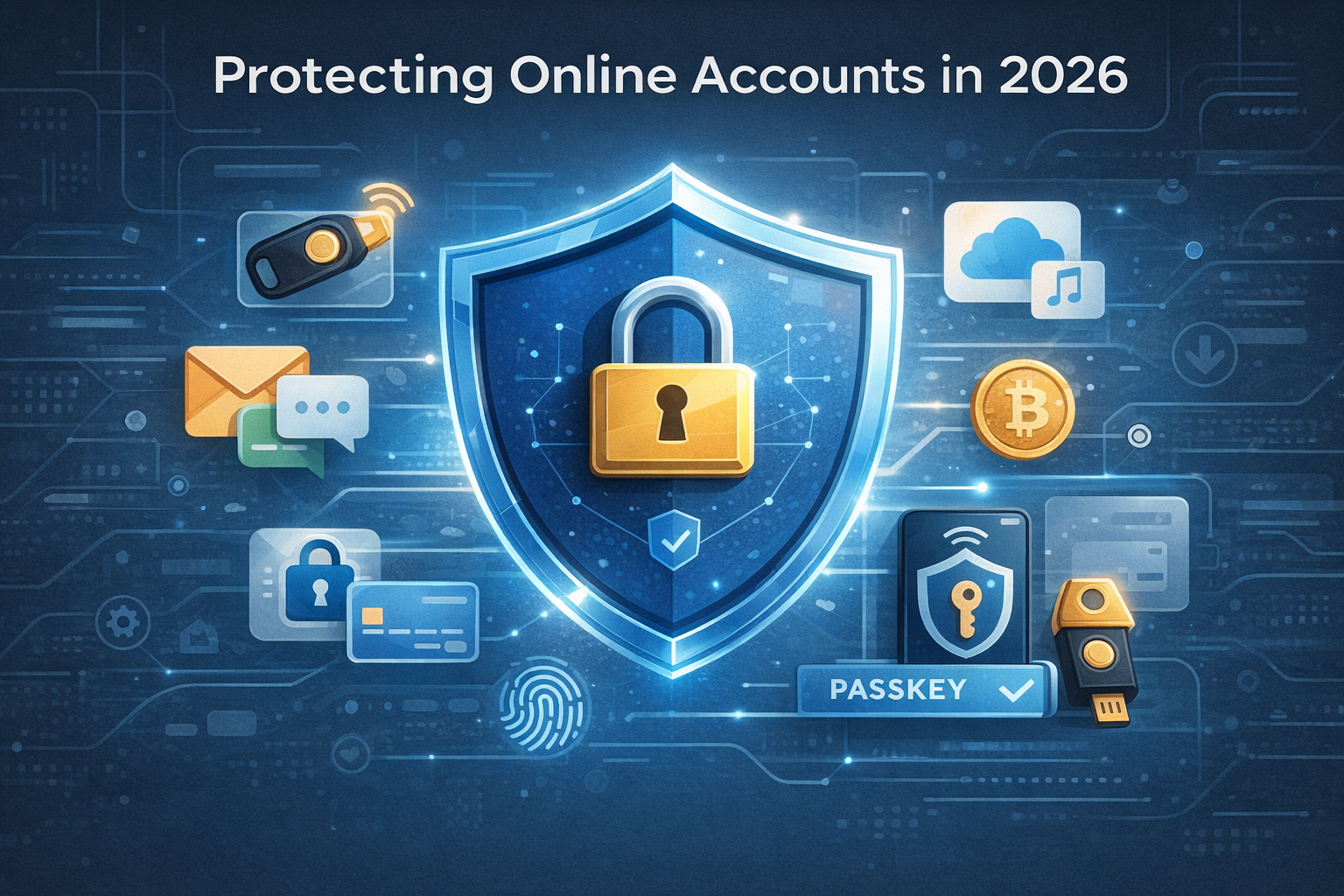
In 2026, your online accounts are more valuable than your wallet. Email, banking, cloud storage, social media, crypto wallets, and work tools are all connected. If one account is compromised, attackers often gain access to many others- online security 2026.
Cybercriminals now use automation, AI-generated phishing, and leaked databases. Basic security habits are no longer optional. They are essential.
The Biggest Threats to Online Accounts in 2026
Understanding the risks helps you defend against them.
Common Modern Threats
- AI-powered phishing emails and messages
- Credential stuffing from leaked passwords
- Fake login pages that look nearly identical to real ones
- Malware and browser-based attacks
- Account takeovers through weak recovery settings
Most attacks don’t break systems. They exploit human mistakes.
Use Strong and Unique Passwords for Every Account
Reusing passwords is still the most common reason accounts get hacked.
In 2026, attackers can test millions of leaked passwords in seconds.
Password Best Practices
- Use a unique password for every account
- Make passwords long, not complex
- Avoid personal details and common phrases
- Never reuse email or banking passwords
Long, random passwords are far more secure than short, clever ones.
Use a Password Manager
Remembering dozens of strong passwords is unrealistic without help.
Password managers solve this problem securely.
Why Password Managers Are Essential
- Generate strong, random passwords
- Store credentials securely
- Autofill safely on trusted sites
- Alert you if passwords are compromised
Using a password manager is safer than relying on memory or browsers alone.
Enable Two-Factor Authentication Everywhere
Passwords alone are no longer enough.
Two-factor authentication (2FA) adds a second layer of protection.
Best 2FA Options in 2026
- Authenticator apps
- Hardware security keys
- Biometric authentication
- Passkeys (where available)
Avoid SMS-based 2FA when possible. App-based or hardware methods are more secure.
Adopt Passkeys When Available
Passkeys are becoming the new standard for authentication.
They replace passwords with cryptographic keys tied to your device.
Why Passkeys Are Safer
- Cannot be phished
- No passwords to steal
- Protected by biometrics or device security
- Easier to use once set up
When a service offers passkeys, enable them.
Secure Your Email Account First
Your email is the master key to your digital life.
If attackers access your email, they can reset passwords for other accounts.
Email Security Checklist
- Strong, unique password
- 2FA or passkeys enabled
- Secure recovery email and phone number
- Regular activity checks
Protecting your email dramatically improves overall security.
Be Smarter Than Phishing Attacks
Phishing is more convincing in 2026 than ever before.
AI-generated messages look real, urgent, and personal.
How to Spot Phishing
- Unexpected login alerts or payment issues
- Urgent language pushing quick action
- Links that look correct but are slightly altered
- Requests for verification or recovery codes
Never click links blindly. Go directly to the website instead.
Keep Your Devices and Software Updated
Outdated software creates security holes.
Attackers actively target known vulnerabilities.
What to Keep Updated
- Operating systems
- Browsers
- Password managers
- Apps and extensions
Enable automatic updates wherever possible.
Lock Down Account Recovery Options
Many attacks succeed through weak recovery settings.
Check your recovery options before someone else does.
Secure Recovery Settings
- Use a secure recovery email
- Remove outdated phone numbers
- Avoid easily guessed security questions
- Store backup codes safely offline
Recovery security is just as important as login security.
Watch for Signs of Account Compromise
Early detection limits damage.
Warning Signs
- Login alerts from unfamiliar locations
- Password reset emails you didn’t request
- Unrecognized activity or messages sent from your account
- Locked accounts or changed settings
If something feels off, act immediately.
Use Separate Accounts for Critical Services
Not all accounts should share the same email or access level.
Smart Separation Strategy
- One email for banking and finance
- One for social media
- One for subscriptions and signups
This limits the impact if one account is compromised.
Protect Your Online Accounts on Public Networks
Public Wi-Fi is convenient but risky.
Safe Public Network Practices
- Avoid logging into sensitive accounts
- Use a trusted VPN
- Disable automatic Wi-Fi connections
- Log out after use
Assume public networks are monitored.
Teach These Habits to Family and Teams
Security is only as strong as the weakest link.
Help others understand basic protection steps.
Shared accounts, family devices, and work tools all depend on collective awareness.
Final Thoughts: Online Security Is a Habit, Not a Tool
Protecting your online accounts in 2026 isn’t about paranoia.
It’s about building smart, repeatable habits (online security 2026)
Strong passwords, password managers, 2FA, passkeys, updates, and awareness work together. When combined, they make your digital life far harder to compromise.
Security done right is invisible. And that’s exactly how it should be.
Also read our article on –Scapia vs Niyo Credit Card (2025): Features, Rewards, Fees & Best Choice
OnlineSecurity #CyberSafety #DigitalPrivacy #AccountProtection #TechSafety
online security 2026, protect online accounts, cybersecurity tips, account protection, digital safety