

Cybersecurity Basics Everyone Should Learn (Even If You’re Not “Techy”)
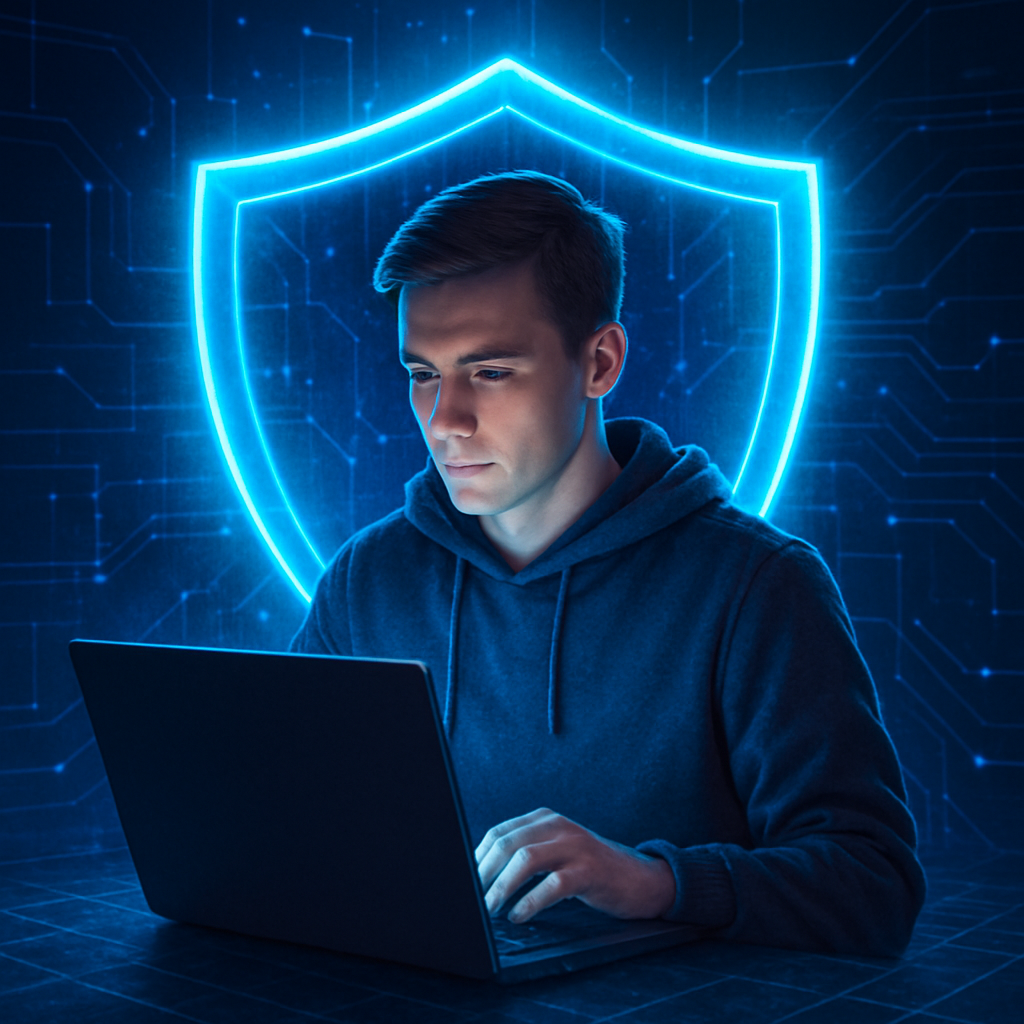
Let’s be real—being online today feels a little like walking through a crowded marketplace where everyone wants your data, your passwords, or your bank login – how to stay safe online.
The good news?
You don’t need to be a hacker, coder, or Silicon Valley genius to stay safe.
You just need the right basics.
And that’s exactly what we’re breaking down—simple, powerful cybersecurity habits you can start using today.
🧠 1. Strong Passwords: Your First Line of Defense
If your password looks like this:
“password123”
…it’s time for a glow-up.
A strong password should be:
- At least 12+ characters
- A mix of letters, numbers & symbols
- Unique for every account
💡 Pro Tip:
Use a password manager. It’s like having a digital vault—unbreakable, organized, and always on your side.
🔑 2. Turn On Two-Factor Authentication (2FA)
Think of 2FA as a deadbolt on your digital front door.
Even if someone steals your password, they still won’t get in.
Most apps let you turn on 2FA using:
✔️ Text codes
✔️ Authenticator apps
✔️ Hardware keys (the gold standard)
One switch = massive security boost.
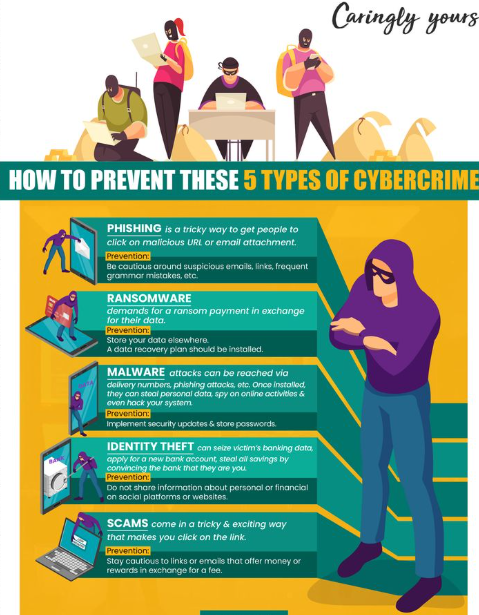
📧 3. Learn to Spot Phishing Scams
Phishing is still the #1 way cybercriminals break in.
Why? Because it works.
Red flags to watch for:
🚩 Urgent messages demanding action
🚩 Suspicious links
🚩 Poor grammar
🚩 Emails pretending to be PayPal, Amazon, your bank, etc.
If it feels “off,” it probably is.
Hover over links.
Verify the sender.
Don’t click impulsively.
📱 4. Update Your Devices (Yes… All of Them)
Your phone, your laptop—even your smart fridge (if you’re fancy).
Every update patches new vulnerabilities.
Skipping updates is like leaving your windows unlocked.
Turn on automatic updates and let your devices protect themselves.
🛡️ 5. Use Secure Wi-Fi (No More “Free Airport Wi-Fi”)
Public Wi-Fi is basically a playground for hackers.
If you must use it, avoid:
- Banking
- Shopping
- Logging into important accounts
Or better:
Use a VPN.
It encrypts everything—like wrapping your data in a bubble of invisibility.
📦 6. Back Up Your Data Like It’s Gold
Because it is.
Ransomware attacks are rising, and backups are your lifesaver.
Use:
☁️ Cloud backup +
💾 External hard drive
If something happens, you can recover everything—no panic required.
👤 7. Protect Your Personal Info Online
Oversharing is the new vulnerability.
Cybercriminals piece together small bits of your data to break into accounts.
Be mindful when posting:
- Birthdays
- Locations
- Travel plans
- Workplace details
Your future self will thank you.
🧹 8. Clean Up Unused Apps & Accounts
Old accounts are the forgotten back doors hackers love.
Once a month:
- Delete apps you don’t use
- Close old accounts
- Revoke permissions
Less digital clutter = less risk.
🚨 9. Know What to Do If You Get Hacked
Don’t freeze.
Take action immediately:
- Change your passwords
- Log out of all sessions
- Turn on 2FA
- Scan your device for malware
- Notify your bank if financial data was involved
Quick action makes a huge difference.
🎯 Final Thoughts: Cybersecurity Isn’t Complicated—It’s a Habit
You don’t need extreme tech skills.
You just need awareness, consistency, and a few smart digital habits to how to stay safe online.
Cybersecurity is no longer optional—it’s a life skill.
Start with these basics today, and you’ll instantly be safer than most people online.
Also read our article on – Hostinger vs Bluehost vs GoDaddy (2026 Comparison): Best Web & WordPress Hosting Reviewed
#Cybersecurity #OnlineSafety #DigitalSecurity #CyberAwareness #TechEducation #SecurityTips #DataProtection