



How to Protect Yourself From Online and Digital Scams
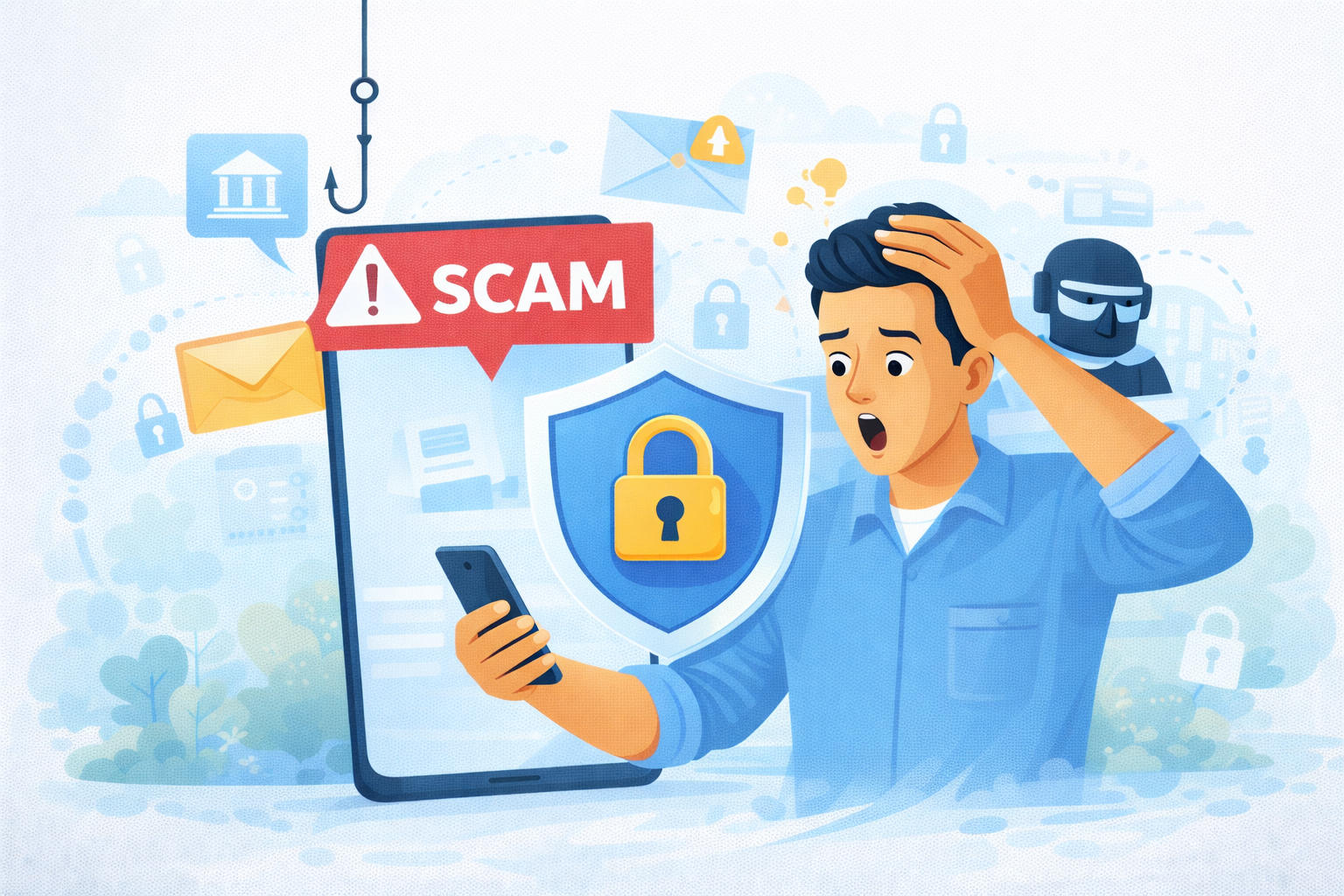
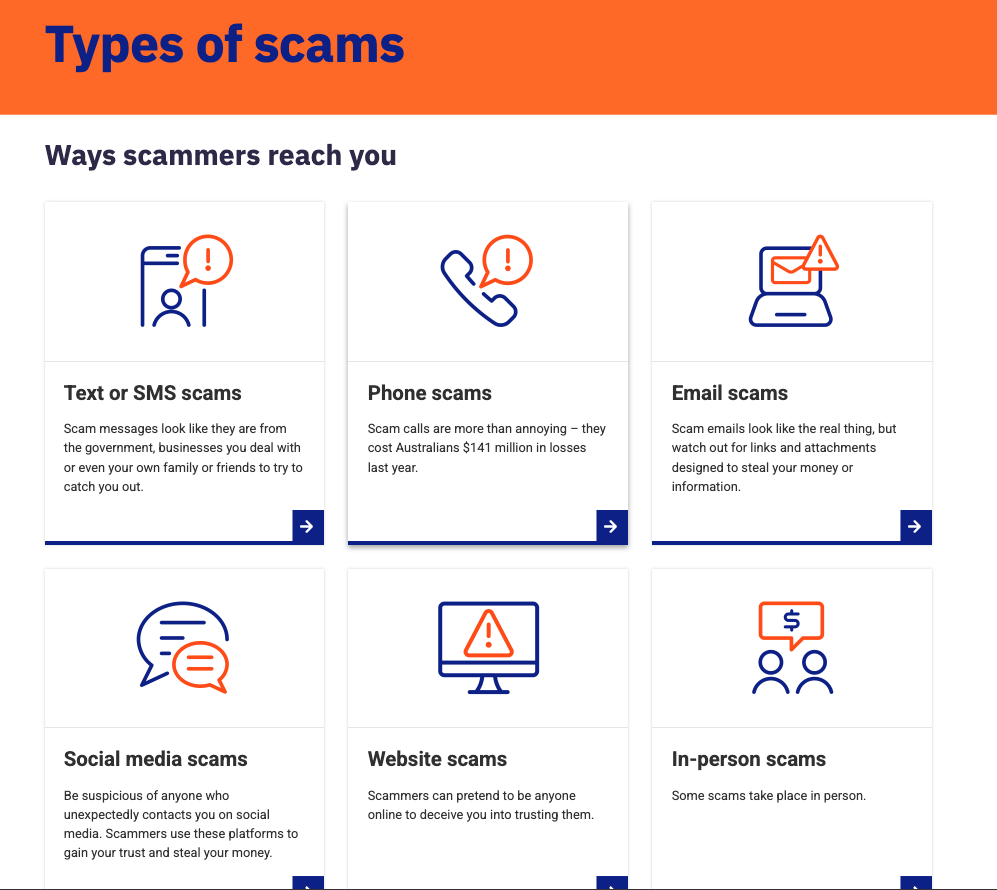
From UPI payments and online shopping to social media and emails, our lives are deeply digital. Unfortunately, scammers have evolved just as fast (Protect yourself from scams).
Today’s scams are no longer obvious. They look professional, urgent, and convincing — often impersonating banks, government bodies, delivery services, or even friends.
The good news?
With the right habits and awareness, you can dramatically reduce your risk.
1. Be Extremely Careful With Links and Messages
Most scams begin with:
- Fake emails
- WhatsApp or SMS links
- Social media DMs
Red Flags to Watch For
- Messages creating urgency (“Your account will be blocked”)
- Unknown links asking for login or payment
- Poor grammar or unusual sender addresses
Golden rule:
👉 Never click links from unknown or suspicious sources.
When in doubt, visit the official website directly.
2. Never Share OTPs, PINs, or Passwords
No legitimate organisation will ever ask for:
- OTPs
- UPI PINs
- CVV numbers
- Login passwords
Not banks. Not customer support. Not government agencies.
If someone asks for these, it’s a scam — every time.
3. Enable Two-Factor Authentication (2FA) Everywhere
2FA adds an extra security layer even if your password is compromised.
Enable it on:
- Email accounts
- Banking and payment apps
- Social media
- Cloud storage
This single step blocks a large percentage of account takeovers.
4. Keep Your Devices and Apps Updated
Outdated software often contains security loopholes.
Make sure to:
- Update your phone OS and computer regularly
- Install app updates only from official stores
- Avoid using cracked or pirated software
Security updates are not optional — they are protection.
5. Be Wary of “Too Good to Be True” Offers
Scammers exploit greed and curiosity.
Common traps include:
- Fake investment schemes
- Unrealistic job offers
- Lottery or prize-winning messages
- Huge discounts from unknown websites
If it sounds too good to be true — it almost always is.
6. Protect Your Social Media Presence
Scammers gather information from social media to create personalised attacks.
Simple Steps
- Keep profiles private
- Avoid oversharing personal details
- Don’t accept random friend requests
- Be cautious with quizzes and apps
Your online footprint can be used against you.
7. Use Strong, Unique Passwords
Reusing passwords is risky.
Best practices:
- Use different passwords for important accounts
- Avoid obvious patterns
- Consider a reputable password manager
A single leaked password can unlock multiple accounts if reused.
8. Monitor Your Bank and Credit Activity Regularly
Check:
- Bank statements
- Credit card transactions
- UPI history
Early detection helps prevent bigger losses.
Report suspicious activity immediately to your bank or service provider.
9. Verify Before You Trust
Scammers often impersonate:
- Banks
- Delivery services
- Government departments
- Company HR or recruiters
Before responding:
- Call official helpline numbers
- Check verified email IDs
- Cross-check with the organisation’s website
Never rely solely on what the message says.
10. Educate Family Members, Especially Seniors and Children
Many scams target:
- Senior citizens
- First-time internet users
- Teenagers
Have open conversations about:
- Common scam tactics
- What information should never be shared
- When to ask for help
Awareness protects everyone.
What To Do If You Fall Victim to a Scam
Act fast:
- Inform your bank immediately
- Block cards or accounts if needed
- Report the incident on official cybercrime portals
- Change passwords across accounts
Quick action can limit damage.
Final Thoughts
Digital scams are increasing — but so is awareness (Protect yourself from scams).
You don’t need to be a tech expert to stay safe.
You just need to be alert, cautious, and informed.
In today’s world, digital safety is a life skill, not an option.
Also read our article on – Hostinger vs Bluehost vs GoDaddy (2026 Comparison): Best Web & WordPress Hosting Reviewed