



Hostinger vs Bluehost vs GoDaddy (2026 Comparison): Best Web & WordPress Hosting Reviewed
This guide compares the three popular hosts across the metrics that matter most: price, speed, WordPress support, uptime, features and customer support. Below you’ll find concise paragraphs explaining each decision area and clear tables for easy scanning. (best hosting 2026)
Short Verdict on the hostings:
Hostinger offers the best balance of price and performance for most users. Bluehost is the safest pick for WordPress users who want official recommendations and phone support. GoDaddy is the easiest entry for domain-first customers but trails on raw performance and value.
Pricing comparison (shared hosting)
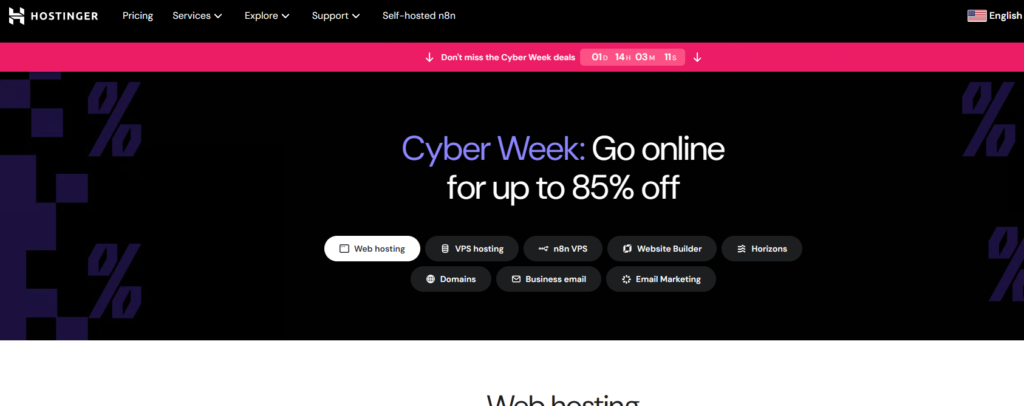
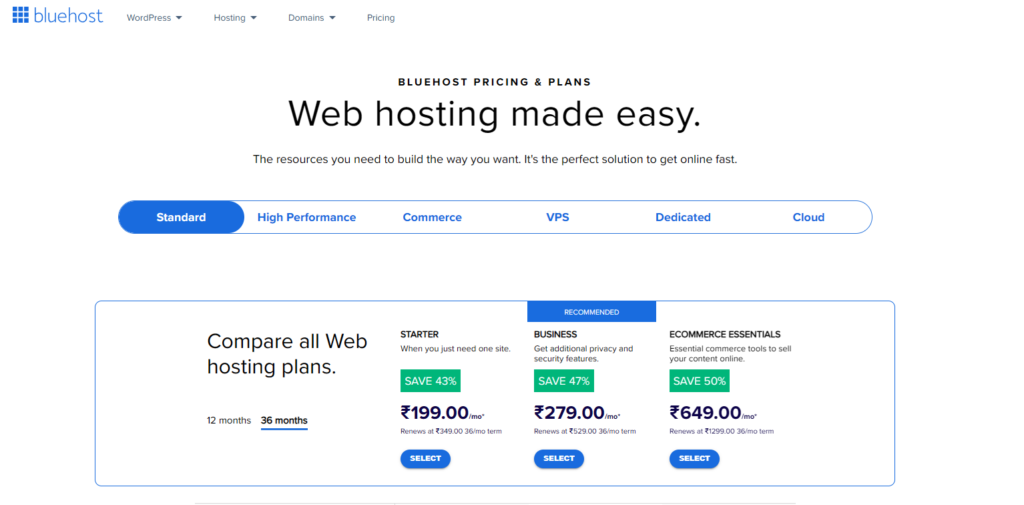
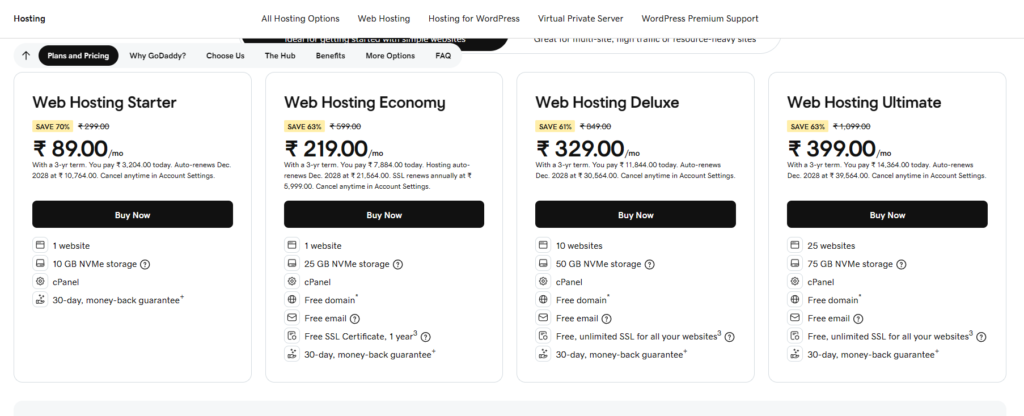
Below is a simple, clear table showing typical entry-level starter pricing and common notes. Prices are representative of typical promotional entry plans (first-term) and common renewal behavior.
| Provider | Typical Starting Price (promo) | Typical Renewal Price | Free Domain | Free SSL | Notes |
|---|---|---|---|---|---|
| Hostinger | $2.99 /mo | $6.99 /mo | Yes | Yes | Lowest entry + lower renewals |
| Bluehost | $3.95 /mo | $9.99 /mo | Yes | Yes | Good WP bundling; higher renewal |
| GoDaddy | $4.99 /mo | $10.99 /mo | Yes (1st yr) | Yes | Many upsells; domain bundle focus |
Hostinger’s promo pricing is normally the cheapest and renews lower than competitors. Bluehost’s strength is bundled WordPress services and reliable onboarding; GoDaddy bundles domains heavily but offsets with upsells.
Speed & performance (server response and tech)
Speed influences SEO and conversions. The table below summarizes typical server response and stack differences.
| Provider | Typical Server Response (avg) | Key Technology | CDN Included? | Speed Notes |
|---|---|---|---|---|
| Hostinger | ~350 ms | LiteSpeed, NVMe SSD | Yes (Cloudflare CDN) | Strong performance for price |
| Bluehost | ~420 ms | Apache / Nginx, SSD | Sometimes (plan-dependent) | Solid, stable performance |
| GoDaddy | ~480 ms | Traditional hosting stack | Optional paid CDN | Slower in baseline tests |
Hostinger tends to lead on pure speed thanks to LiteSpeed and modern storage. Bluehost performs reliably and consistently, which matters for WordPress. GoDaddy can be fine for small sites but is generally slower out of the box.
WordPress hosting features (comparison table)
This table focuses on WordPress-specific features many site owners value: automated tasks, staging, and developer tools.
| Feature | Hostinger | Bluehost | GoDaddy |
|---|---|---|---|
| 1-Click WP Install | ✅ | ✅ | ✅ |
| Managed WP / Auto-Updates | ✅ | ✅ | ❌ (limited) |
| Staging Environment | ✅ (premium) | ✅ | ❌/limited |
| Daily Backups | ❌ (weekly) | ✅ | ❌ (paid) |
| Server Optimized for WP | ✅ (LiteSpeed) | ✅ | Limited |
| Official WP.org Recommendation | ❌ | ✅ | ❌ |
Bluehost remains the only official WordPress.org recommended host among these three, which simplifies trust for many WordPress beginners. Hostinger provides competitive tooling and higher performance for similar or lower cost. GoDaddy offers basics but charges extra for several useful WP features.
Uptime and reliability
High uptime is crucial; downtime costs traffic and trust.
| Provider | Typical Uptime (observed averages) | SLA / Guarantees |
|---|---|---|
| Hostinger | ~99.98% | SLA on some plans |
| Bluehost | ~99.95% | Standard industry-level SLA |
| GoDaddy | ~99.90% | Varies by product |
All three deliver “acceptable” uptime, but Hostinger’s modern infrastructure often yields slightly better real-world reliability. Bluehost and GoDaddy are close but can have occasional regional outages depending on the plan.
Support & onboarding
Support quality matters if you’re not technical or if issues arise.
| Provider | Support Channels | Quality Notes |
|---|---|---|
| Hostinger | Live chat, ticket | Fast chat, no phone |
| Bluehost | 24/7 chat + phone | Strong phone support; good documentation |
| GoDaddy | Phone, chat | Good phone coverage; upsell oriented |
Bluehost leads for support because of consistent phone and chat help which many small businesses prefer. Hostinger’s chat is fast and thorough but lacks phone support. GoDaddy has broad phone coverage but frequent upsell prompts.
Feature-by-feature summary (single table)
A compact side-by-side table highlighting other practical features.
| Feature | Hostinger | Bluehost | GoDaddy |
|---|---|---|---|
| Free Email Accounts | ✅ | ✅ | ❌ / paid |
| Automatic Backups | Weekly | Daily | Paid add-on |
| Security (WAF, malware) | Basic + paid options | Good built-in options | Good, but often paid |
| Website Builder | AI builder + drag & drop | Builder + WP | Website builder + WP |
| Domain Marketplace | Limited | Yes | Extensive |
| Ease of Use | Modern UI | Beginner-friendly | Very beginner-friendly |
Hostinger balances features vs price well. Bluehost focuses on WordPress and support. GoDaddy’s unique value is its domain marketplace and all-in-one domain + hosting convenience.
Pros & cons (compact)
Clear bullets to help finalize a decision.
Hostinger — Pros
- Fast performance (LiteSpeed)
- Best price-to-performance ratio
- Good uptime and modern control panel
Hostinger — Cons
- No phone support
- Some advanced features behind higher tiers
Bluehost — Pros
- Official WordPress endorsement
- Strong phone + chat support
- Easy WordPress setup and staging
Bluehost — Cons
- Higher renewal prices
- Slightly lower speeds than Hostinger
GoDaddy — Pros
- Simplified domain + hosting combo
- Familiar UI for beginners
- Large domain marketplace
GoDaddy — Cons
- Many upsells
- Slower performance baseline
- Backups/security often paid extras
Who should pick which host? (decision guide)
Short, actionable recommendations:
- Choose Hostinger if: you want the best speed and value — ideal for bloggers, small shops, and developers on a budget.
- Choose Bluehost if: you run WordPress sites and want easy official support + phone help — ideal for WordPress beginners and agencies.
- Choose GoDaddy if: you prioritize domain management and one-stop purchases, or you want the easiest possible onboarding with phone access.
Final recommendation (2026)
For most users in 2026, Hostinger offers the best mix of price, speed, and modern features — making it the best overall value. Bluehost is the top pick for WordPress-first users who want official support and phone assistance. GoDaddy works best for domain-centric customers who want simple everything-in-one shopping – best hosting 2026.
Use the Code BYTESTACK360 to get additional 10% discount on your purchase from Hostinger.
Read more🌐 about latest Tech updates on out Technology and Learning labs Category Section
Also read our previous article on Perplexity AI Unleashes Claude Opus 4.5 for Max Subscribers
Hostinger vs Bluehost vs GoDaddy, best hosting 2026, WordPress hosting comparison, Hostinger review, Bluehost review, GoDaddy review, shared hosting comparison, fastest hosting provider