

Top Free Tools to Learn AI & Data Science
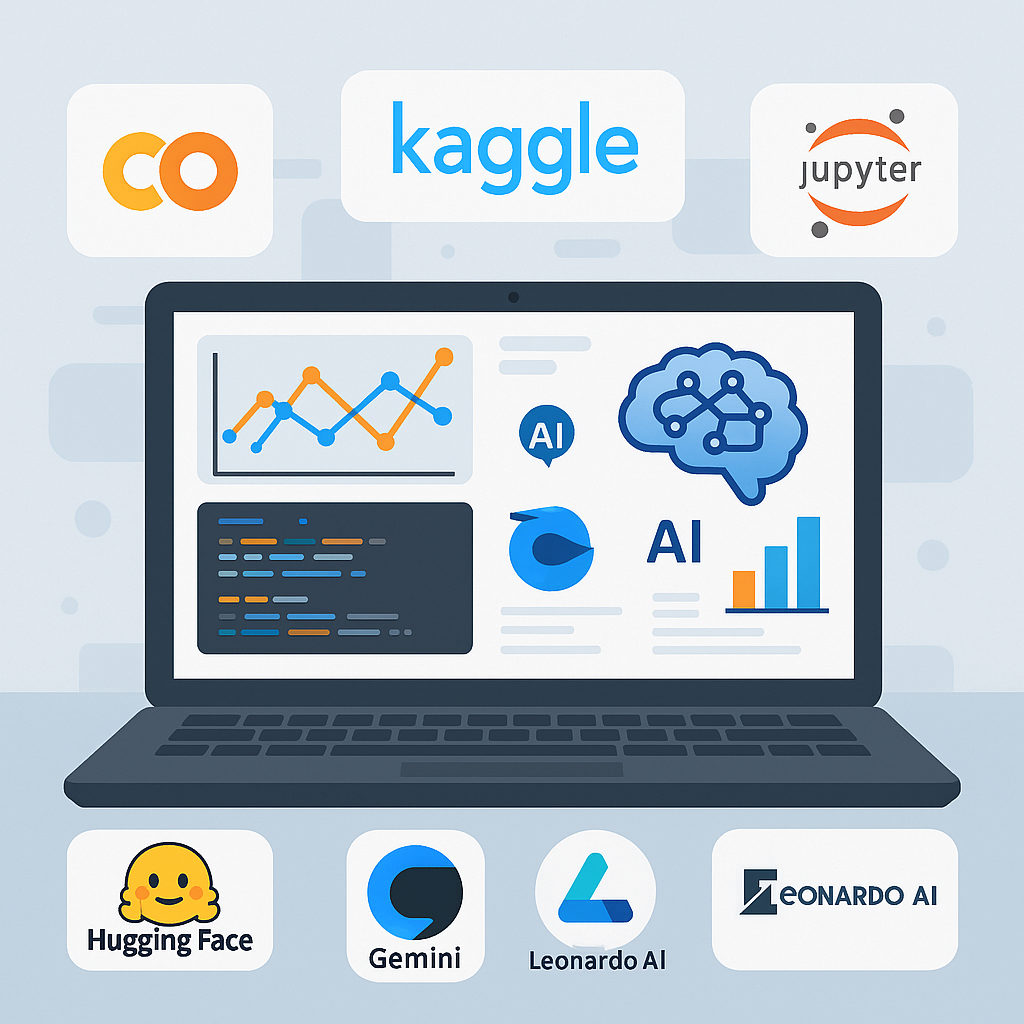
AI and Data Science once required expensive software and paid courses. Today, that barrier is gone. Many professional-grade tools are completely free and widely used in the industry. With the right combination of platforms, beginners can build real skills without spending a single dollar. The challenge is choosing tools that teach, not overwhelm. (free AI tools)
Google Colab
Website: https://colab.research.google.com
Google Colab is one of the best free environments for learning AI and Data Science.
It allows you to write and run Python code directly in your browser.
Why Google Colab Is So Powerful
- No installation required
- Pre-installed libraries like NumPy, Pandas, TensorFlow, and PyTorch
- Free access to GPUs and TPUs (with limits)
- Easy sharing and collaboration
For beginners, Colab removes setup pain and keeps the focus on learning.
Kaggle
Website: https://www.kaggle.com
Kaggle is a complete ecosystem for data science learners.
It combines datasets, notebooks, competitions, and courses in one place.
What Makes Kaggle Essential
- Thousands of real-world datasets
- Free micro-courses for beginners
- Community notebooks to learn best practices
- Beginner-friendly competitions
Kaggle is where theory meets real-world data.
Jupyter Notebook
Website: https://jupyter.org
Jupyter Notebook is a foundational tool used by data scientists worldwide.
It lets you combine code, explanations, and visualizations in a single document.
Why Beginners Should Use Jupyter
- Ideal for experimentation
- Step-by-step data exploration
- Widely used in industry and academia
- Works locally or in the cloud
Learning Jupyter early builds professional habits.
Core Python Libraries for Data Science
These free, open-source libraries form the backbone of AI and Data Science.
Must-Learn Libraries
- NumPy – https://numpy.org
- Pandas – https://pandas.pydata.org
- Matplotlib – https://matplotlib.org
- Seaborn – https://seaborn.pydata.org
- Scikit-learn – https://scikit-learn.org
Mastering these tools prepares you for almost any AI or data-related role.
Gemini (Google AI)
Website: https://ai.google.dev
Gemini is Google’s advanced AI model and a powerful learning assistant.
It helps beginners understand complex AI concepts faster.
How Gemini Helps Learners
- Explains code and ML concepts clearly
- Helps debug Python and data workflows
- Assists with model ideas and experimentation
- Supports real-time learning with examples
Used correctly, Gemini acts like a personal AI tutor.
Hugging Face
Website: https://huggingface.co
Hugging Face is a major platform for modern AI development.
It provides free access to models, datasets, and tutorials.
Why Hugging Face Is Beginner-Friendly
- Thousands of pre-trained AI models
- Simple APIs for NLP and computer vision
- Free learning resources
- Strong open-source community
It’s one of the fastest ways to work with real AI models.
Leonardo AI
Website: https://leonardo.ai
Leonardo AI is a free tool for learning generative AI and image models.
It’s especially useful for understanding how AI creates visuals.
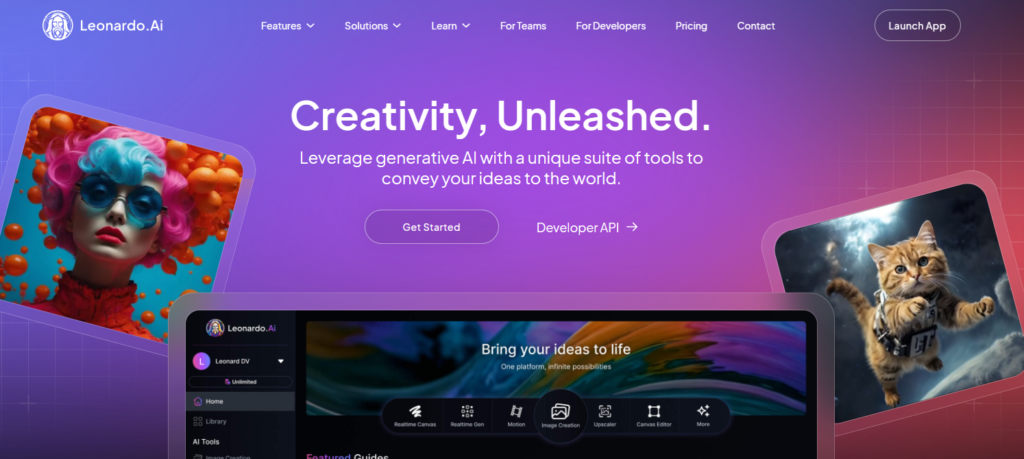
Why Leonardo AI Is Worth Exploring
- Free tier available
- Hands-on experience with generative AI
- Great for creative and AI experimentation
- Easy-to-use interface
It helps beginners understand AI beyond just code.
Free Data Sources and Dataset Platforms
Data is the foundation of AI and Data Science.
These platforms provide free, high-quality datasets.
Popular Free Data Tools
- Kaggle Datasets – https://www.kaggle.com/datasets
- Google Dataset Search – https://datasetsearch.research.google.com
- UCI Machine Learning Repository – https://archive.ics.uci.edu
- Data.gov – https://www.data.gov
Working with real data accelerates learning more than tutorials alone.
Free Online Courses and Learning Platforms
Structured learning still plays an important role.
Trusted Free Learning Platforms
- freeCodeCamp – https://www.freecodecamp.org
- Coursera (Audit Mode) – https://www.coursera.org
- edX (Audit Mode) – https://www.edx.org
- YouTube educational channels
Combining courses with hands-on tools leads to faster progress.
GitHub
Website: https://github.com
GitHub is essential for learning and showcasing your work.
How GitHub Helps Beginners
- Access open-source AI projects
- Learn from real-world code
- Build a public portfolio
- Understand version control
Even simple projects on GitHub improve credibility.
Data Visualization Tools
Visualizing data makes insights clearer and more impactful.
Free Visualization Tools
- Matplotlib – https://matplotlib.org
- Seaborn – https://seaborn.pydata.org
- Plotly (Free Tier) – https://plotly.com
- Tableau Public – https://public.tableau.com
Strong visualization skills are critical for data storytelling.
How to Combine These Tools Effectively
A simple beginner workflow:
- Learn theory from free courses
- Practice coding in Google Colab or Jupyter
- Use Kaggle datasets for projects
- Apply ML with Scikit-learn
- Experiment with Gemini and Hugging Face
- Share results on GitHub
This mirrors real-world AI and data workflows.
Common Beginner Mistakes to Avoid
Avoid these common traps:
- Switching tools too often
- Watching tutorials without coding
- Avoiding messy real-world data
- Waiting too long to build projects
Learning happens through practice, not perfection.
Final Thoughts: Free Tools Can Take You Very Far
You don’t need expensive software to learn AI and Data Science. free AI tools
With free tools like Google Colab, Kaggle, Gemini, Hugging Face, Leonardo AI, and open datasets, beginners can build strong foundations and real-world skills.
Consistency, curiosity, and hands-on practice matter far more than paid platforms.
Use the Code BYTESTACK360 to get additional 10% discount on your purchase from Hostinger.
Read more🌐 about latest Tech updates on out Technology and Learning labs Category Section
Also read our previous article on Perplexity AI Unleashes Claude Opus 4.5 for Max Subscribers
LearnAI #DataScience #FreeLearning #AIForBeginners #TechSkills
free AI tools, free data science tools, learn AI for free, data science for beginners, AI learning platforms